


Review: Motorola Titanium
The Titanium offers only the basics when it comes to messaging. The stand-alone Gmail Android application is your best bet for mobile email. It's the stock Gmail experience for an Android handset. It works well and I have no complaints with it. The generic Android email app is also present if you're a Yahoo! or AOLer.
On the instant messaging front, Google Talk is built in. If you're interested in AIM, Windows Live or Yahoo, you'll have to scout through the Android Market to see what's available.
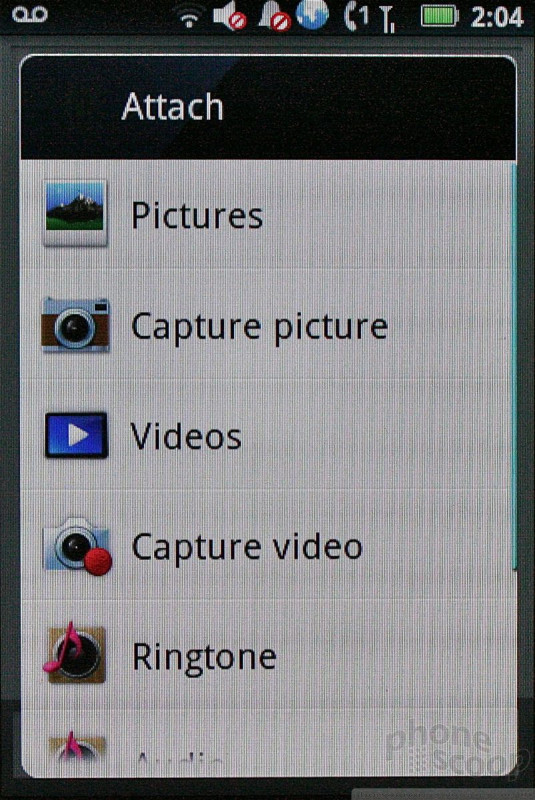
The SMS/MMS application is the stock Android tool. It works fine for composing messages, and the threaded conversational format makes talking to friends less painful.
At least Sprint and Motorola were kind enough to install the native Facebook and Twitter applications on the Titanium. They work as expected. There's no other special social networking apps on board, not even Motorola's universal inbox feature.


 iPhone 15 Series Goes All-In on USB-C and Dynamic Island
 Qualcomm Expands Flagship Phone Chip Series
 New Case Adds Keyboard to iPhone Pro
 Fairphone's New Bluetooth Earbuds are First with Replaceable Batteries
 Apple Watch Series 10 Puts Larger Display in Thinner, Lighter Body
 Motorola Titanium